Google Business Profile for Vets: Categories, Services, and Photos That Drive Calls

Table of Contents +
- Why your Google Business Profile setup may be capping calls
- Quick decision guide: pick the right category, services, and photos
- Primary and secondary categories: a focused stack that supports intent
- Services and products: mapping offerings to searchable intents
- Photos and media: what to publish, how often, and safe boundaries
- Q&A and messaging: reduce friction before the call
- Monitoring and iteration: what to check after 7-14 days and 4-8 weeks
- Evidence status and practical safety boundaries
- Optimization checklist for busy veterinary teams
- Where this fits in your broader veterinary SEO strategy
- Frequently Asked Questions
- References
Set up your veterinary clinic’s Google Business Profile to increase calls and directions. Choose the right categories, services, products, Q&A, and photos.
Your Google Business Profile can either power daily calls or bury your clinic under competitors. Small setup decisions often influence who clicks call or requests directions today. This matters because Maps intent is immediate and commercial. Prospects want proximity, capability, and trust in seconds. In this guide, you will learn the clinic-focused playbook for categories, services, products, Q&A, photos, and messaging. You will also learn what to monitor and when to iterate for measurable gains.
The goal is simple. Configure your veterinary Google Business Profile to capture more calls and direction requests with safer, repeatable steps. We focus on practical choices, not experiments that risk policy issues.
Why your Google Business Profile setup may be capping calls
Common misconfigurations that suppress call volume
The most frequent issues include a mismatched primary category, excessive secondary categories, and missing services. Weak photo coverage and outdated hours also reduce engagement. Messaging off, no Q&A, and sparse descriptions add friction. Inconsistent NAP or duplicate profiles confuse Maps and users. Thin product posts miss high-intent needs like parasite prevention. Each issue compounds, weakening the profile’s relevance and trust.
How intent on Maps differs from Search and what it implies
Maps users often need a nearby provider now. They compare proximity, availability, and specific capabilities at a glance. Research mapping veterinary access used “veterinarians near me” queries, underscoring hyperlocal discovery and urgency[1]. This implies your profile should foreground hours, emergency routing, core services, and images that signal clinical readiness.
Petbase automates SEO content for veterinary clinics - so you can focus on patients, not blog posts - start your free trial.
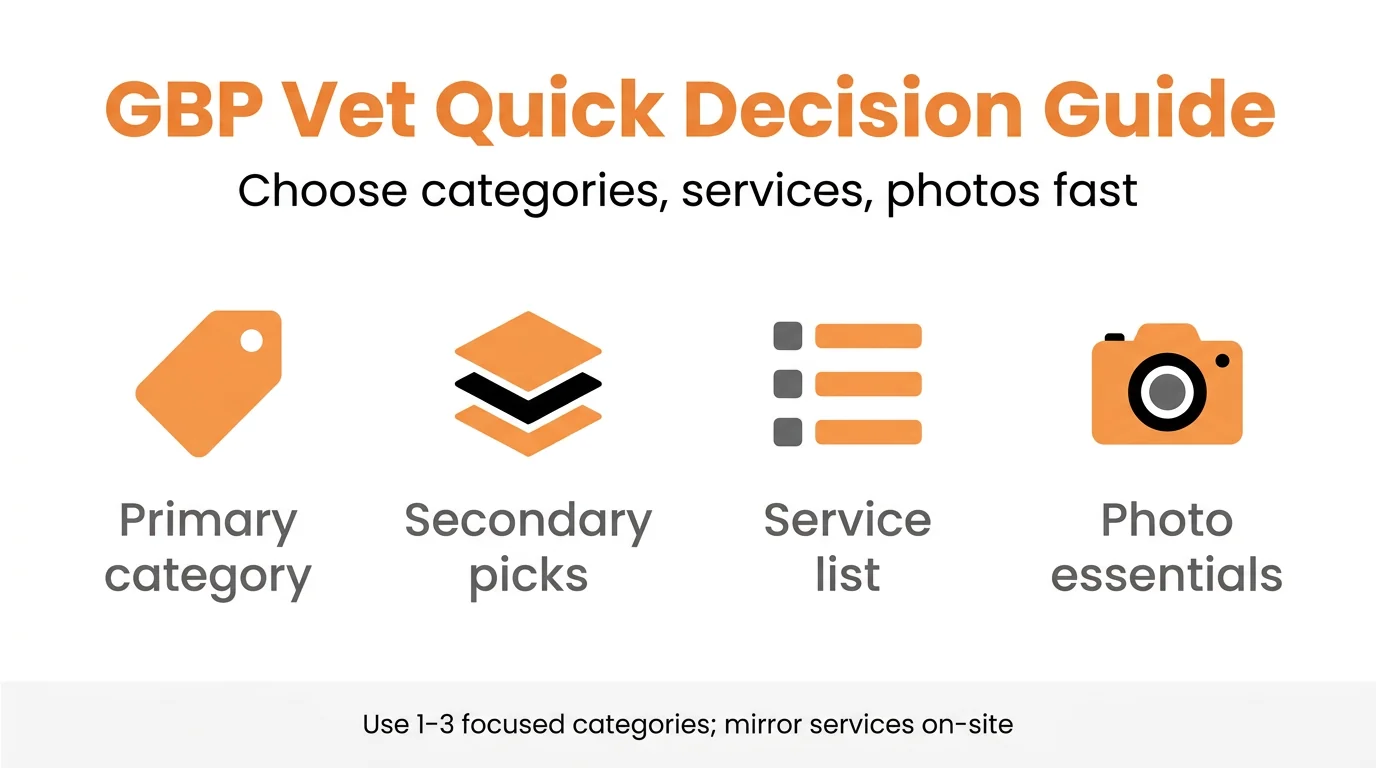
Quick decision guide: pick the right category, services, and photos
If-this-then-that decisions for clinics, hospitals, and mobile vets
- If you operate a general clinic, then choose “Veterinarian” as primary and list core services first.
- If emergency is a core function, then use “Animal hospital” as primary and “Emergency veterinarian” as secondary.
- If emergency is occasional, then keep “Veterinarian” primary and add “Emergency veterinarian” only if staffed after-hours.
- If you are mobile only, then use “Mobile veterinarian” as primary and set a service area, not a storefront.
- If you have imaging or dental equipment, then feature those services and post photos of the equipment in use.
- If appointment capacity is tight, then emphasize booking and triage messaging to filter urgent vs. routine care.
- If logistics limit daily visits, then confirm service areas and response windows to align expectations; operations efficiency matters for mobile practices[3].
Primary and secondary categories: a focused stack that supports intent
Recommended primary category by clinic type
Most brick-and-mortar clinics benefit from “Veterinarian” as the primary category because it aligns with core search language. Hospitals focused on surgery or urgent care may test “Animal hospital” as primary. Mobile-only practices should select “Mobile veterinarian” and enable service areas. Evidence suggests that aligning the primary category to the dominant intent supports clearer relevance without diluting visibility.
Secondary categories to consider and when to skip them
Secondary options to consider include “Animal hospital,” “Emergency veterinarian,” “Veterinary pharmacy,” and “Pet dental care.” Use 1-3 highly relevant categories. Skip loosely related categories that could confuse Maps intent signals. If emergency coverage is limited or outsourced, avoid “Emergency veterinarian.” Similarly, refrain from niche categories unless you actively market and fulfill those services.
Services and products: mapping offerings to searchable intents
Service list blueprint (wellness, surgery, emergency, dental, imaging)
Build a service list that mirrors how pet owners search. Use concise names and short descriptions.
- Wellness: Annual exams, vaccinations, microchipping, nutrition consults.
- Surgery: Spay/neuter, mass removals, soft-tissue procedures, orthopedic referrals.
- Emergency/Triage: Stabilization, toxic ingestion guidance, after-hours routing details.
- Dental: Cleaning, radiographs, extractions, periodontal care.
- Imaging/Labs: X-ray, ultrasound, in-house bloodwork.
Keep names natural to match “vet clinic services on Google” queries. Mirror this structure on-site with clear service pages and supportive schema to reinforce relevance across surfaces. For page structure patterns, see Service Pages That Rank. For markup guidance, see Schema for Veterinary Clinics.
Product posts for high-intent queries (parasite prevention, diets)
Use the Products tab to highlight preventive products and clinical diets. Feature flea, tick, and heartworm prevention, and prescription nutrition with clear indications. Preventive interventions show measurable impact in veterinary contexts, which may explain persistent high-intent interest[4]. Add availability, pickup/telemedicine notes, and refills workflow. To scale related on-site content that supports GBP consistency, many teams use Petbase AI to generate service and product pages efficiently.
Photos and media: what to publish, how often, and safe boundaries
Shot list that may increase trust and clicks to call
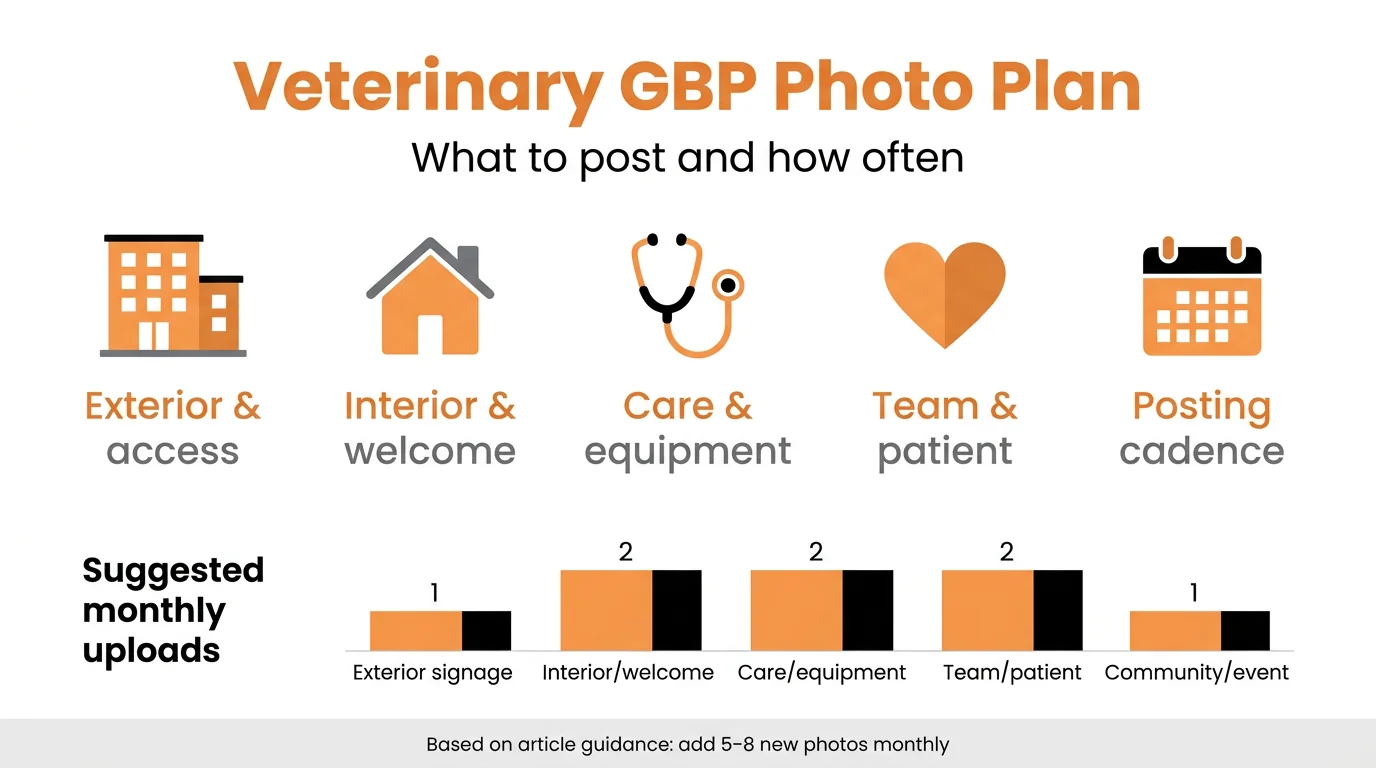
Prioritize images that communicate capability, safety, and warmth. Upload exterior signage, entrance, parking, reception, and waiting areas. Show exam rooms, diagnostic equipment, pharmacy, and surgery prep areas. Introduce clinicians and technicians with name badges. Include patient-safe, non-identifying interactions that demonstrate handling standards. Use captions to clarify what is shown and highlight unique capabilities.
Geotag, EXIF, and upload cadence considerations
Google often strips EXIF data, so geotagging may not offer measurable gains. Focus on authenticity, clarity, and recency. Add five to eight new photos monthly to keep the profile fresh. Avoid overlays that look promotional. Ensure branding is consistent and legible. For multi-location groups, standardize naming conventions and avoid reusing identical images across locations.
Q&A and messaging: reduce friction before the call
Pre-answer cost, hours, species, and emergency routing
Seed the Q&A with concise answers to pricing ranges, species treated, appointment availability, payment options, and after-hours instructions. Avoid diagnosing or prescribing in Q&A. Publishing medication-specific guidance outside a clinical exam risks policy and stewardship issues in veterinary medicine[2]. Direct complex cases to call for safe triage.
Messaging settings and response-time guardrails
Enable messaging only if staff can respond reliably during business hours. Set an internal target response time of under 15 minutes when open. Use saved replies for intake, emergencies, and referrals. Escalate medical questions to phone. Disable messaging during surges if response times slip. For mobile vets, clarify service area and appointment windows to reduce back-and-forth.
Monitoring and iteration: what to check after 7-14 days and 4-8 weeks
Short-term diagnostics (visibility vs. actions)
After 7-14 days, compare Views vs. Actions in GBP Insights. Check calls, direction requests, website clicks, and photo views. Low actions with decent views may indicate misaligned categories, weak photos, or missing services. For deeper call attribution and assisted revenue analysis, review frameworks in Measuring Veterinary SEO.
Medium-term adjustments (category, photos, services)
After 4-8 weeks, inspect query reports and competitor profiles. If most discovery queries are emergency-related, test “Animal hospital” as primary for a month. If photo views lag, upload procedure-adjacent images. If services are rarely viewed, rewrite names and descriptions using common lay terms. Iterate one variable per cycle for clear attribution.
Evidence status and practical safety boundaries
What current evidence suggests about categories, services, and photos
Peer-reviewed research on GBP mechanics is limited. However, studies mapping veterinary access highlight local, urgent discovery behavior around “near me” searches, aligning with Maps-driven intent[1]. This supports emphasizing proximity, hours, triage clarity, and high-intent services. Operational considerations for mobile vets also matter when setting expectations and service areas[3].
Privacy, medical accuracy, and policy-compliant content
Do not share identifying client information or images without consent. Avoid remote diagnoses or prescription advice in Q&A and messaging. Provide ranges and disclaimers, and route clinical decisions to a call or exam. This approach aligns with responsible veterinary guidance and antimicrobial stewardship concerns in public communication[2].
Optimization checklist for busy veterinary teams
One-sitting setup tasks (30-45 minutes)
- Set primary category based on clinic type; add 1-3 precise secondary categories.
- Confirm hours (including lunch closures and holiday plans) and phone routing.
- Add 12-20 services with clear names, short lay descriptions, and pricing ranges where appropriate.
- Publish 6-10 authentic photos covering exterior, interior, equipment, and team.
- Publish 3-5 product posts for parasite prevention and core diets with availability notes.
- Enable messaging if staffed; create saved replies for triage and scheduling.
- Seed Q&A with cost ranges, species treated, booking steps, and emergency instructions.
Weekly 15-minute upkeep routine
- Upload one to three new photos showing recent cases or equipment (non-identifying).
- Respond to new Q&A and messages; escalate clinical topics to phone.
- Refresh one product or service description with clearer wording.
- Review Insights for calls and directions; note week-over-week changes.
- Check for suggested edits or stray duplicates and correct promptly.
Where this fits in your broader veterinary SEO strategy
Connecting GBP optimizations to on-site pages and schema
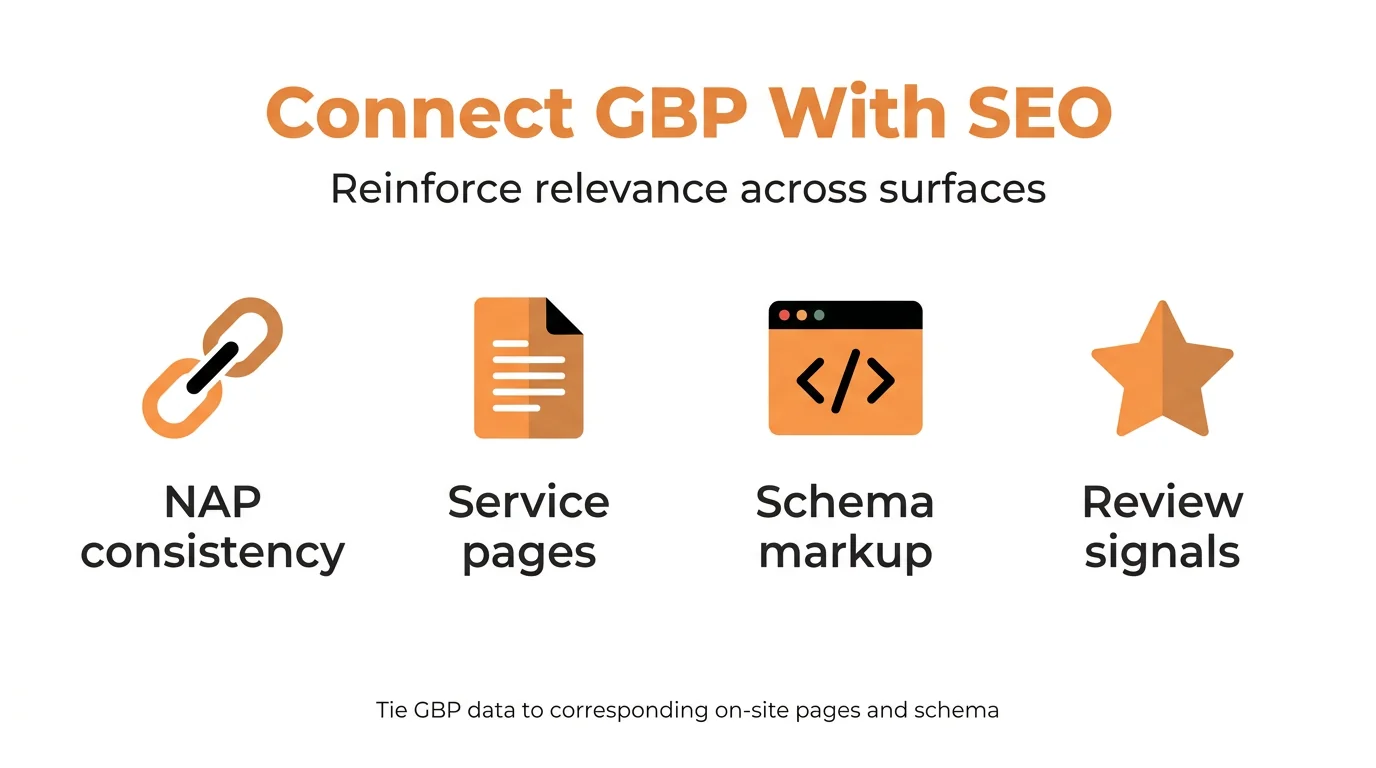
Tie every listed service and product to a corresponding on-site page to reinforce relevance across surfaces. Ensure consistent NAP, hours, services, and terminology. Add LocalBusiness and Medical-related schema where appropriate to aid interpretation. For a structured roadmap that unifies Maps, content, and measurement, see our complete veterinary SEO guide. Converging GBP with a strong service-page architecture and markup typically supports steadier visibility across veterinary local SEO.
Frequently Asked Questions
What is the best primary category for a veterinary clinic on Google?
For most brick-and-mortar clinics, evidence suggests choosing “Veterinarian” as the primary category. Emergency-focused hospitals may consider “Animal hospital,” especially if after-hours care is a core service.
How many secondary categories should a vet clinic use?
Use 1-3 tightly relevant secondary categories that align with core services (e.g., “Animal hospital,” “Emergency veterinarian”). Adding loosely related categories may dilute relevance and reduce clarity.
Which services should I list to increase calls?
Prioritize searchable, high-intent services like vaccinations, dental cleaning, spay/neuter, microchipping, and emergency triage. Keep names clear and add concise descriptions that reflect what pet owners ask.
What types of photos help a vet’s profile perform better?
Upload exterior, reception, exam rooms, staff, and equipment photos that show cleanliness and capability. Evidence suggests fresh, authentic images with recognizable branding may support trust and clicks.
Should a veterinary clinic enable messaging on Google?
If staff can respond within business hours, messaging may reduce friction and capture questions before a call. Set response-time boundaries and route complex medical questions to phone for safety.
Getting more calls from your veterinary Google Business Profile rarely requires hacks. It requires precise category choices, service lists that match real queries, and photos that prove capability. Add Q&A that removes doubt and messaging with sensible guardrails. Monitor weekly, adjust monthly, and protect privacy and medical accuracy. This steady approach may increase calls and direction requests without risking policy violations. Treat GBP as a living asset that supports your front desk, not a static listing. Consistency and clarity win.
References
- NG Criscuolo et al. (2025). A global map of travel time to access veterinarians. Nature communications. View article
- F Allerton et al. (2021). Overview and evaluation of existing guidelines for rational antimicrobial use in small-animal veterinary practice in Europe. Antibiotics. View article
- ES Chrissandhi et al. (2026). Improving Veterinary Service Efficiency: Optimizing Home Visit Routes for Pet Clinics Using Particle Swarm Optimization Algorithm. researchgate.net. View article
- FS Nuvey et al. (2022). Effectiveness and profitability of preventive veterinary interventions in controlling infectious diseases of ruminant livestock in sub-Saharan Africa: a scoping review. BMC Veterinary …. View article